Inventory
Inventory in games is a crucial feature for managing player-owned items and currencies. It tracks player acquisitions, whether through in-game purchases, rewards, or other means. Balancy seamlessly integrates inventory management, ensuring a smooth player experience.
WebView API
Inside a UI Builder view, read the inventory with
balancy.getInventoryInfo(depth).
It returns currencies, items and event items in one call with readable keys, and
depth controls how much of each item's configuration comes with them. Do not
decode the raw profile by hand — the stored slot format uses one-letter keys whose
meaning changes by nesting level.
Uses of Inventory
Inventory systems can be adapted for various game types, including:
- In-Game Currencies: Managing virtual money, gems, or resources.
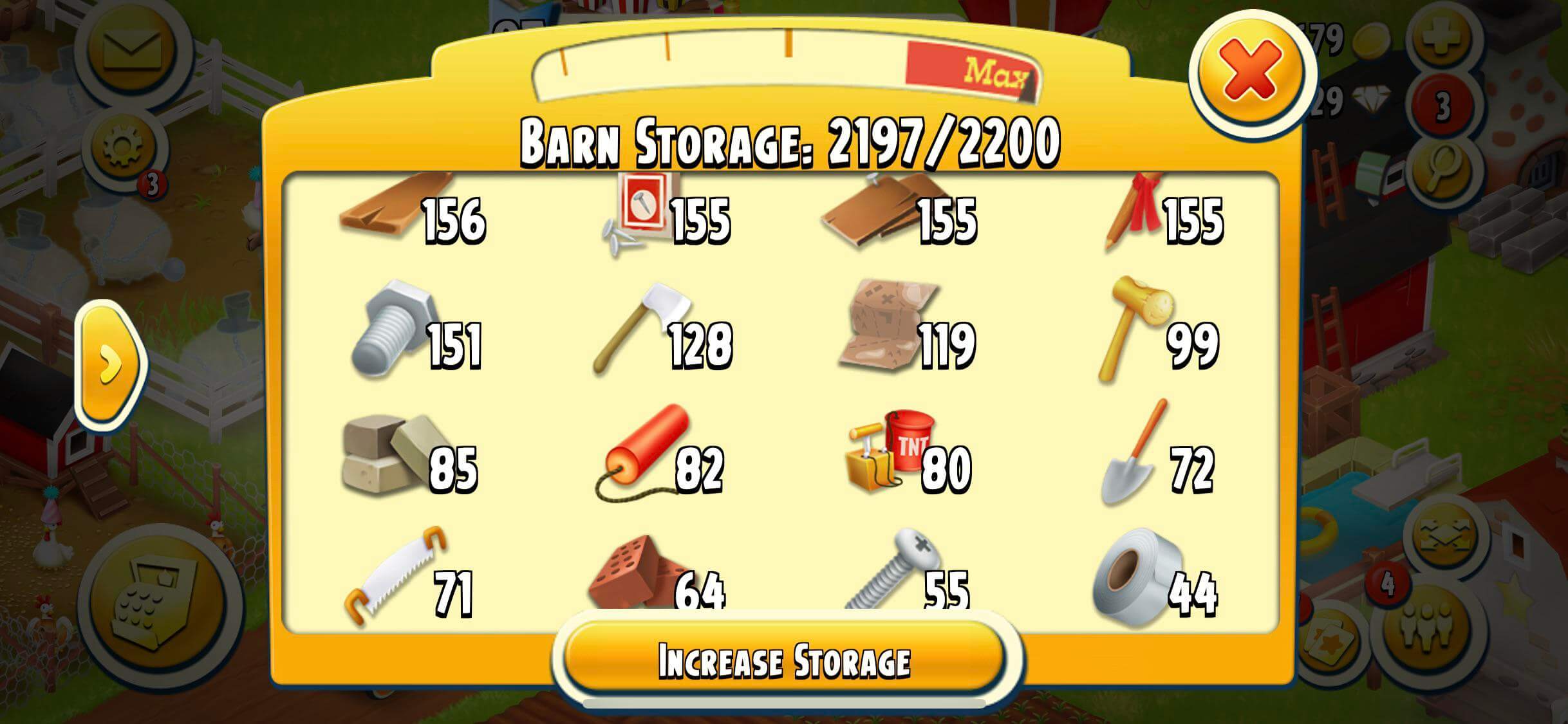
- Storage in Farm Games: Keeping track of harvested crops, tools, and equipment.
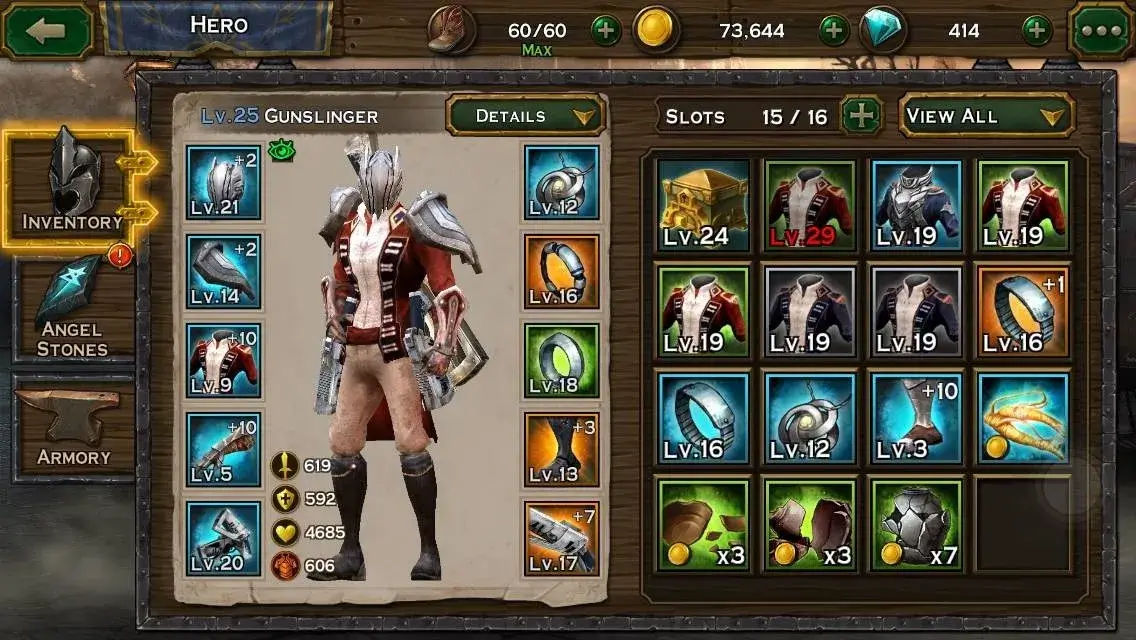
- Bag and Inventory in RPGs: Holding weapons, potions, and other RPG essentials.
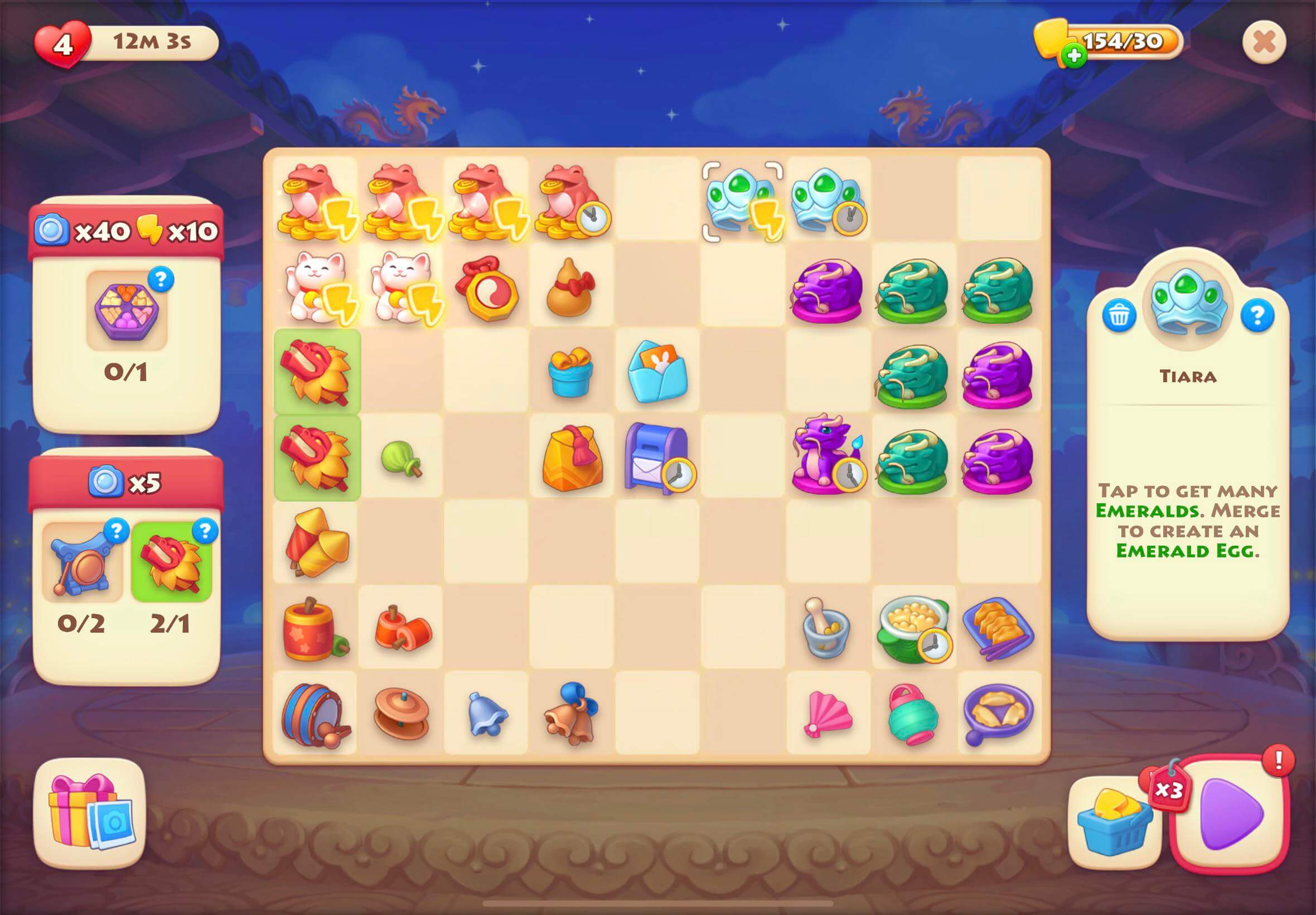
- Board in Merge Games: Organizing mergeable items or tiles.
Inventory Item Types
Each inventory is designed to store specific types of items. Currently, items are categorized into two types: Currency and Item.
Balancy's Built-in Inventories
Make sure you have the latest LiveOps package. In the latest package you can set the type for each Item:

- Currency: all the resources, such as Coins, Gems, Crystals, which can be spend to buy other items. Usually this list is very limited.
- Event: special items, which can be used only during a specific event. For example, you can have a special currency for the Christmas event, which will be used to buy special items during the event.
- Item: all other items, like boosters, weapons, runes, etc...
Balancy provides two default inventory systems in the system profile:
- Currencies Inventory: For managing virtual currencies. Accepts only Currency items.
- Event Items Inventory: For managing items related to specific events. Accepts only Event items.
- Storage Inventory: For general item storage. Can accept any kind of items.
var currenciesInventory = Balancy.Profiles.System.Inventories.Currencies;
var eventItemsInventory = Balancy.Profiles.System.Inventories.EventItems;
var itemsInventory = Balancy.Profiles.System.Inventories.Items;
const currenciesInventory = Balancy.Profiles.system.inventories.currencies;
const eventItemsInventory = Balancy.Profiles.system.inventories.eventItems;
const itemsInventory = Balancy.Profiles.System.inventories.items;
There are several methods to manipulate with all the inventories. While working with inventories, the inventories are used is the same order: Currencies ► Items ► Custom Inventories. If you decide to add currency items, they will be placed in the Currencies inventory even though the Items inventory can accept the currency as well. All built-in inventories are auto-expandable, so they can fit any amount of items.
var totalItems = Balancy.API.Inventory.getTotalItemsCount(item);
Balancy.API.Inventory.RemoveItems(item, amount);
Balancy.API.Inventory.AddItems(item, amount);
const totalItems = Balancy.API.Inventory.getTotalItemsCount(item);
Balancy.API.Inventory.removeItems(item, amount);
Balancy.API.Inventory.addItems(item, amount);
Inventory Class Structure
The Inventory class encompasses:
- Config: Linked to
InventoryConfig(temporary not used). - Slots: A list of inventory slots.
- Item: An instance of
ItemInstance.- Item: Linked to SmartObjects.Item.
- Count: Quantity of the item.
- Created: Creation timestamp.
- Updated: Last update timestamp.
- Item: An instance of