Balancy AI Assistant’s Abilities
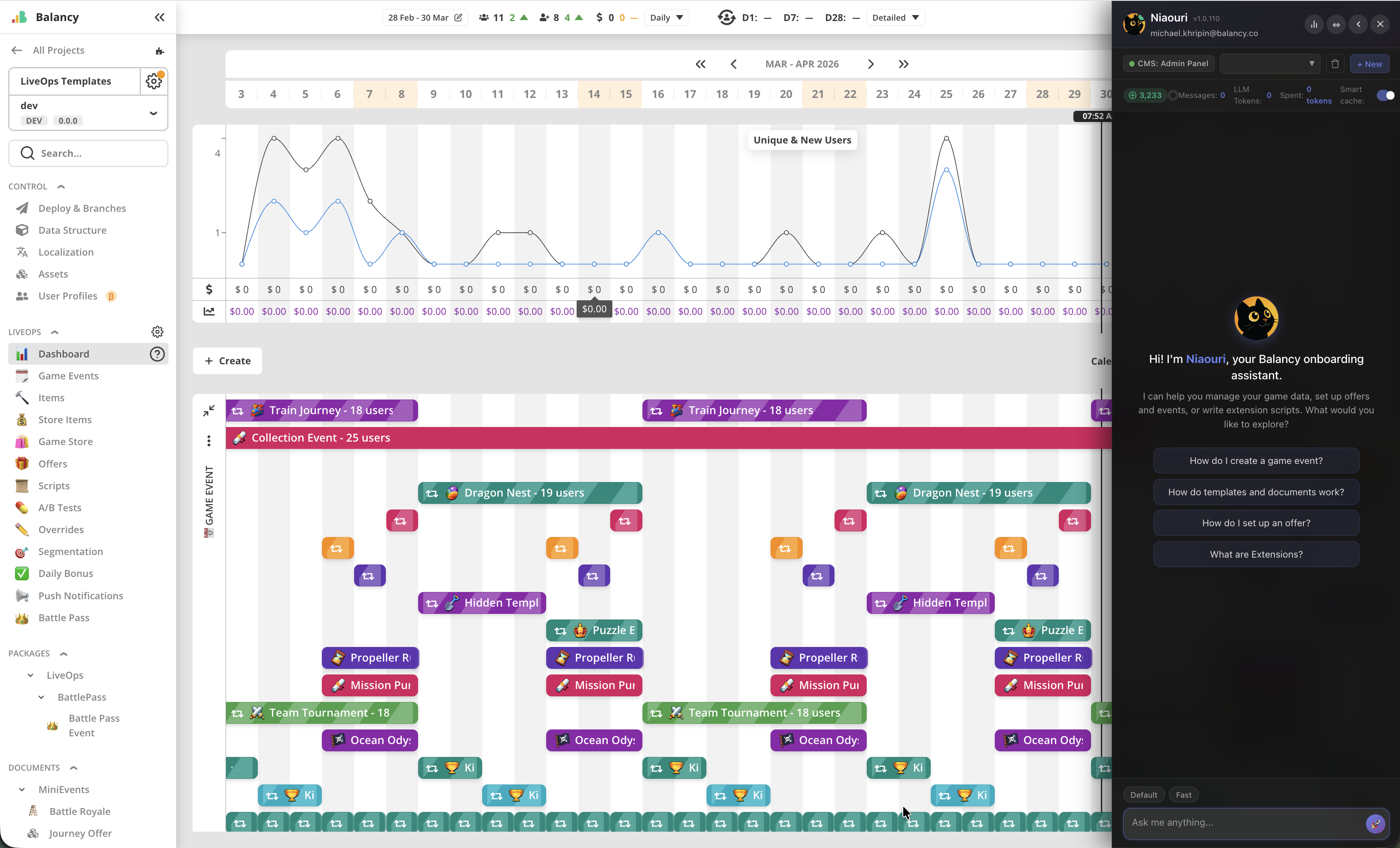
Please welcome Balancy AI Assistant: Nia.
This cute kitty will help you with onboarding, understanding documentation, writing Extensions, and even much more in the future.
Nia is available on every screen by clicking on the portrait icon in the bottom right corner. It is aware of your project context, can answer questions about CMS and both Unity C# and TypeScript versions of SDK. Tokens replenish every 6 hours. 10000 tokens are provided as welcome bonus. Default and Fast modes of work are available, feel free to test them as you wish.
Your feedback is extremely valuable for us, if you’re satisfied or not satisfied with Nia’s services, please use thumbs up/thumbs down icons in its replies and write some note about your experience.
What it can do:
CRUD = Create, Read, Update, Delete.
- See all templates,
CRUDparticular template - See all documents of the template,
CRUDparticular document by UnnyID, and also batch work - Set up A/B tests and overrides, including complex nested structures (events, offers, store items, prices)
- See all UI Builder’s views,
CRUDparticular UI Builder’s view - See all localized strings,
CRUDparticular localized string by key - See all Java Scripts (views and extensions),
CRUDparticular Java Script (for views and extensions) - See all Products,
CRUDProduct - View and inspect image assets, and write AI descriptions/metadata for assets
- Execute any JS code, that uses CMS API, allowing to do all the above
What it cannot do:
- Cannot deploy/merge/create/hide branches.
- Cannot read dashboard analytics.
- Cannot install/delete packages.
- Cannot upload or delete asset files (images, audio, fonts) — but can view images and write their AI descriptions/metadata (see above).
- Cannot edit player profiles.
- Cannot edit Project Settings and LiveOps Settings.
- Cannot
CRUDenums. - Cannot
CRUDcustom player profiles. - Cannot execute extensions.
- Not covered by publisher account’s permissions.
- No connector for Google Spreadsheets/Google Documents/etc. — cannot import/export spreadsheets.
All the above is planned for future updates.
Connect your own AI (MCP)
You can now connect your own AI coding assistant (Claude Code, Codex, Cursor, Claude Desktop) directly to Balancy over MCP, and have it work with your live game data. See Connect Your Own AI (MCP).
Future Improvements
As the external connection evolves, it will add awareness about any external data sources for the client’s project, and remove the token regeneration limit for the built-in model.
As the system will evolve, it will shift towards autonomous LiveOps operator, helping clients to analyse metrics, industry benchmarks, propose improvements for LiveOps strategy and execution. It will help designing more efficient events schedules, monetisation tactics, game UI, as well as healthchecking for game economy.